Email marketing remains one of the most effective channels for driving engagement, nurturing leads, and boosting conversions. However, sending generic emails to your entire contact list is no longer enough. To maximize results, you need to target the right audience, and your Microsoft Dynamics GP email list can make this easier than ever.
In this blog, we’ll explore strategies to leverage Microsoft Dynamics GP for precise audience targeting, helping you deliver B2B email campaigns that resonate with your prospects and customers.
For more insights on how Dynamics GP can streamline your marketing, check out our Microsoft Dynamics GP solutions page.
Why Audience Targeting Matters in Email Marketing
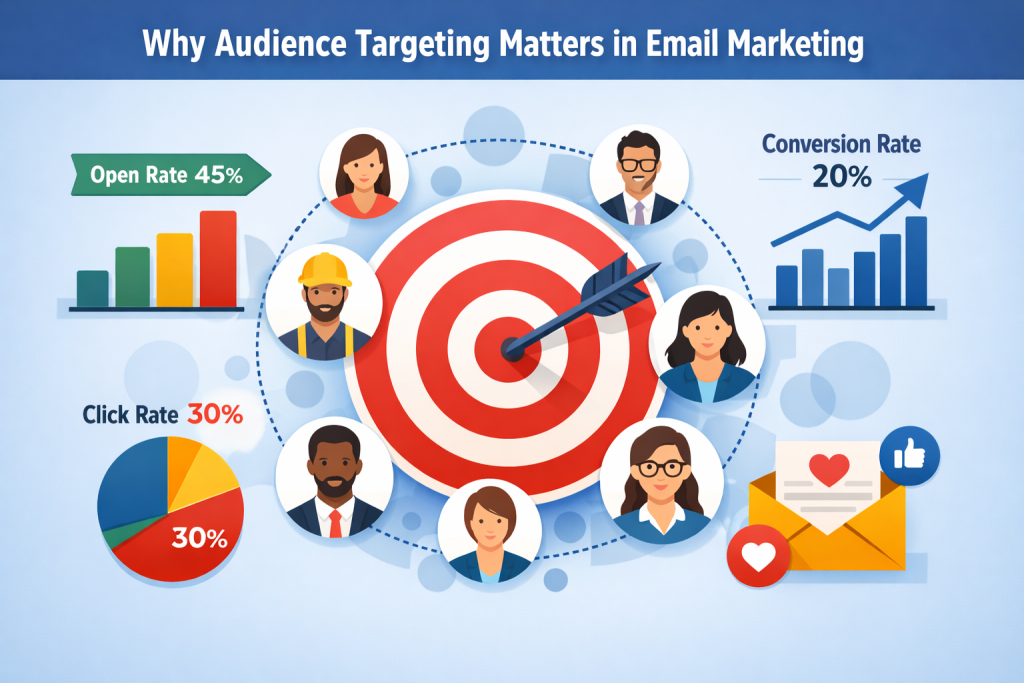
Targeting the right audience ensures that your messages reach the people most likely to engage, reducing unsubscribes and improving ROI. With a well-segmented list, you can:
- Deliver personalized email campaigns that speak to the recipient’s needs.
- Increase open and click-through rates by sending relevant emails.
- Build stronger customer relationships through timely and useful communication.
Microsoft Dynamics GP helps businesses organize customer data efficiently, making it easier to implement effective email list marketing strategies.
For advanced strategies, see our email marketing services page.
Segment Your Email List Effectively
Segmentation is the foundation of successful audience targeting. With Microsoft Dynamics GP, you can segment your contacts using a variety of criteria:
- Industry or Company Type – Target emails based on the recipient’s industry or business size for more relevant messaging.
- Purchase History – Send product updates or upsell offers based on previous purchases, ensuring your emails are timely and actionable.
- Geographic Location – Customize campaigns for regional promotions, local events, or location-specific offers.
- Engagement Level – Identify highly engaged contacts for special offers and re-engage inactive subscribers using list segmentation techniques.
Segmenting your email list allows you to send targeted content that speaks directly to your audience’s interests, increasing engagement and conversions.
Keep Your Data Clean and Accurate
Even the best segmentation won’t work if your email list is outdated or inaccurate. Microsoft Dynamics GP helps maintain high-quality, clean data by:
- Removing duplicate or invalid email addresses.
- Regularly updating contact information.
- Ensuring compliance with regulations like GDPR and CAN-SPAM.
Clean data improves email deliverability, reduces bounce rates, and ensures your targeted email campaigns reach the right audience.
Learn more about maintaining clean email lists on our CRM optimization page.
Personalize Your Email Campaigns
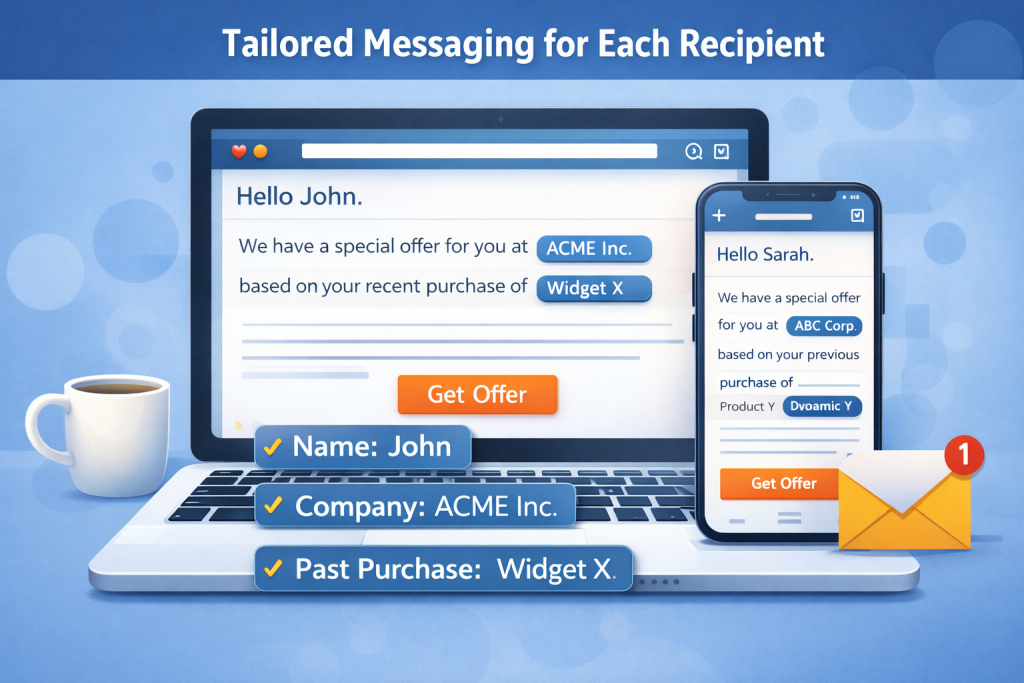
Personalization goes beyond adding a recipient’s name. With Microsoft Dynamics GP, you can:
- Include dynamic content like company information, purchase history, and location.
- Tailor messages for specific customer segments.
- Send triggered emails based on user actions, such as a recent purchase or website visit.
Personalized campaigns show your audience that you understand their needs, which drives higher engagement and loyalty.
Check out our marketing automation tools page for tips on personalizing your campaigns.
Real-World Targeted Campaign Examples
Here are practical ways to use audience targeting with your Microsoft Dynamics GP email list:
Promotional Campaigns
Send exclusive offers to loyal customers or specific industries to increase conversions.
Product Updates
Notify relevant segments about new features or services, keeping your audience informed.
Event Invitations
Invite contacts to webinars, conferences, or local events based on location or past attendance.
Educational Content
Share resources like guides, case studies, or tutorials tailored to your audience’s business needs.
By sending the right message to the right people, you improve the chances of turning prospects into long-term customers.
Track Performance and Optimize
Microsoft Dynamics GP integrates with email marketing tools that allow you to track open rates, click-through rates, and conversions. Use these insights to:
- Refine your segmentation strategy.
- Test different subject lines, messaging, and CTAs.
- Continuously improve your B2B email campaigns for maximum ROI.
Regularly analyzing your campaign data ensures your email marketing efforts remain effective and relevant.
Conclusion
Targeting the right audience is essential for any successful email marketing strategy. By leveraging Microsoft Dynamics GP to segment, clean, and personalize your email list, you can deliver campaigns that truly resonate with your audience.
Start optimizing your Dynamics GP email list today to boost engagement, build stronger relationships, and drive higher conversions.